✨ Start Free Today!!

Plan your day, kinda.

Daily Planner for The Lazy

Task management is a pain. But you kinda want to look like you've got it together. Timlin is a chill timeboxing app for exactly that.

Timlin - Daily Planner for The Lazy

Made for people who...

Have installed and deleted every task app out there

Lose motivation the moment a to-do list gets long

Want to have their life together, but never quite follow through

Have a loose sense of time, or have ADHD and need external time cues

What Timlin does

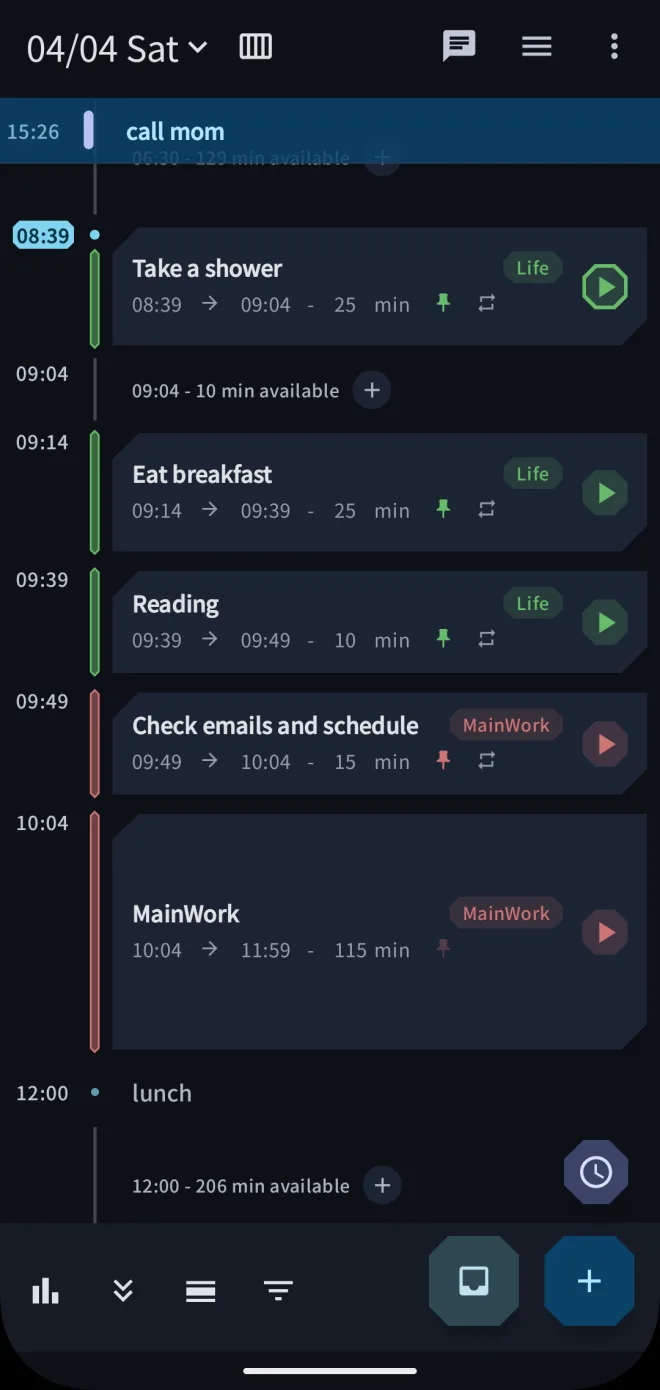
See your whole day at a glance

Drop today's tasks onto a vertical timeline. Drag them around, and start/end times fill themselves in. No overthinking required

👁️ One-glance clarity

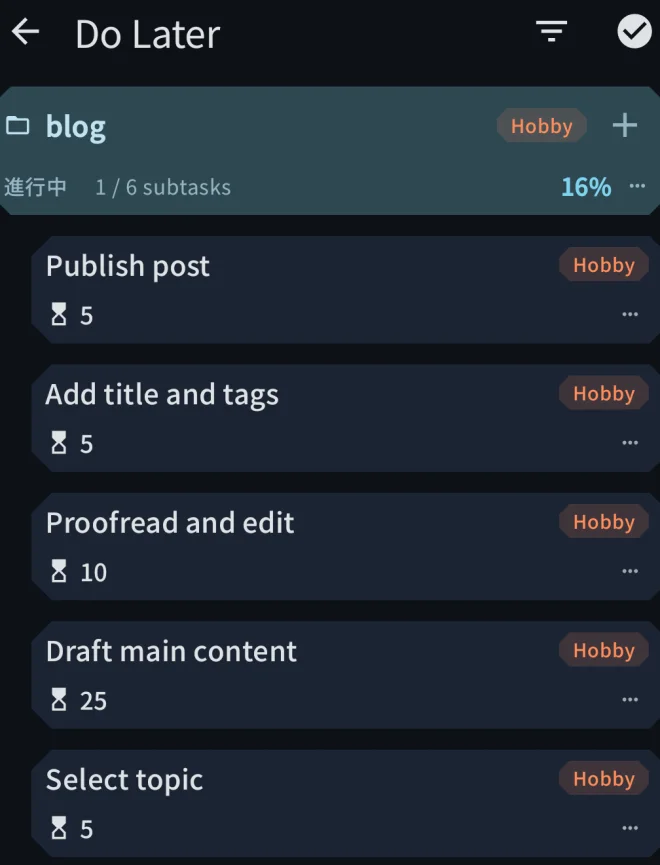
Dump your brain on the screen

When your head's a mess, just get everything out. Tasks, ideas, worries — throw them all on the screen first. Order and timing can come later

🧠 Brain dump

A timer that doesn't nag you

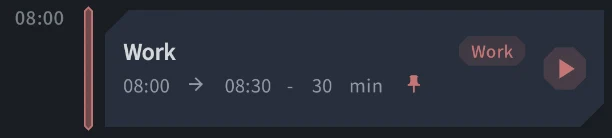
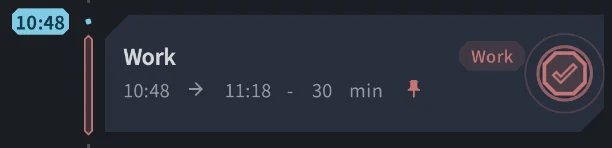
Hit start when you actually feel like working. The countdown keeps you from drifting. Don't feel like it? Skip it. No pressure

⏰ Focus timer

Swipe yesterday's leftovers in the morning

Unfinished tasks show up as cards the next morning. Swipe to decide: 'do it today' or 'nah, forget it.' No angry red labels. No guilt. Just a quiet fresh start

👋 Morning swipe

Plans fall apart — that's fine

Meetings run long. Afternoons get sleepy. Long-press to nudge things around. That's enough. You don't need a perfect day. Close enough is the goal

🔄 Easy adjustments

Clean, minimal UI

Even a chill day can look the part. A clean, minimal interface that makes opening the app feel a tiny bit better

✨ Looks good

Three simple steps to a kinda-planned day

📝
Step 1

Dump it all out

Brain dump everything

Tasks, ideas, worries — throw them all on the screen first. Order and timing can come later. Somehow, just writing it down makes things feel lighter

  • Clear the clutter in your head
  • Sort and time it later
  • Add estimates and labels if you feel like it
🎯
Step 2

Slap on time blocks

Drag onto the timeline

Drop tasks onto the vertical timeline. Drag them around, and start/end times fill themselves in. One look tells you 'ah, that's what today looks like'

  • Drag and drop your day together
  • See the whole day in one view
  • It doesn't have to be perfect
🌿
Step 3

Just keep it rolling

Long-press to nudge things

Hit the timer when you feel like it. When plans drift, long-press to nudge things around. That's enough. Close enough is the goal

  • Use the timer only when you want
  • Long-press to reorder anytime
  • Close enough beats perfect

A day with Timlin

Morning

Brain dump and slap on time blocks

Wake up, dump everything onto the screen, drag tasks onto the timeline. Your day takes shape — kinda — in just a few minutes

Midday

Tap the timer when you feel like it

Need to focus? Start the timer. The countdown keeps you from drifting. Not in the mood? Skip it. No pressure either way

Night

End the day, no guilt

Plans fell apart? That's fine. Tomorrow morning, swipe yesterday's leftovers to 'do it today' or 'nah, forget it.' Quiet fresh start, every day

Plan your day, kinda. It doesn't have to be perfect.

✨ Free Now!

Available on iOS, Android, and the web. Try the browser version — no install needed 🔍